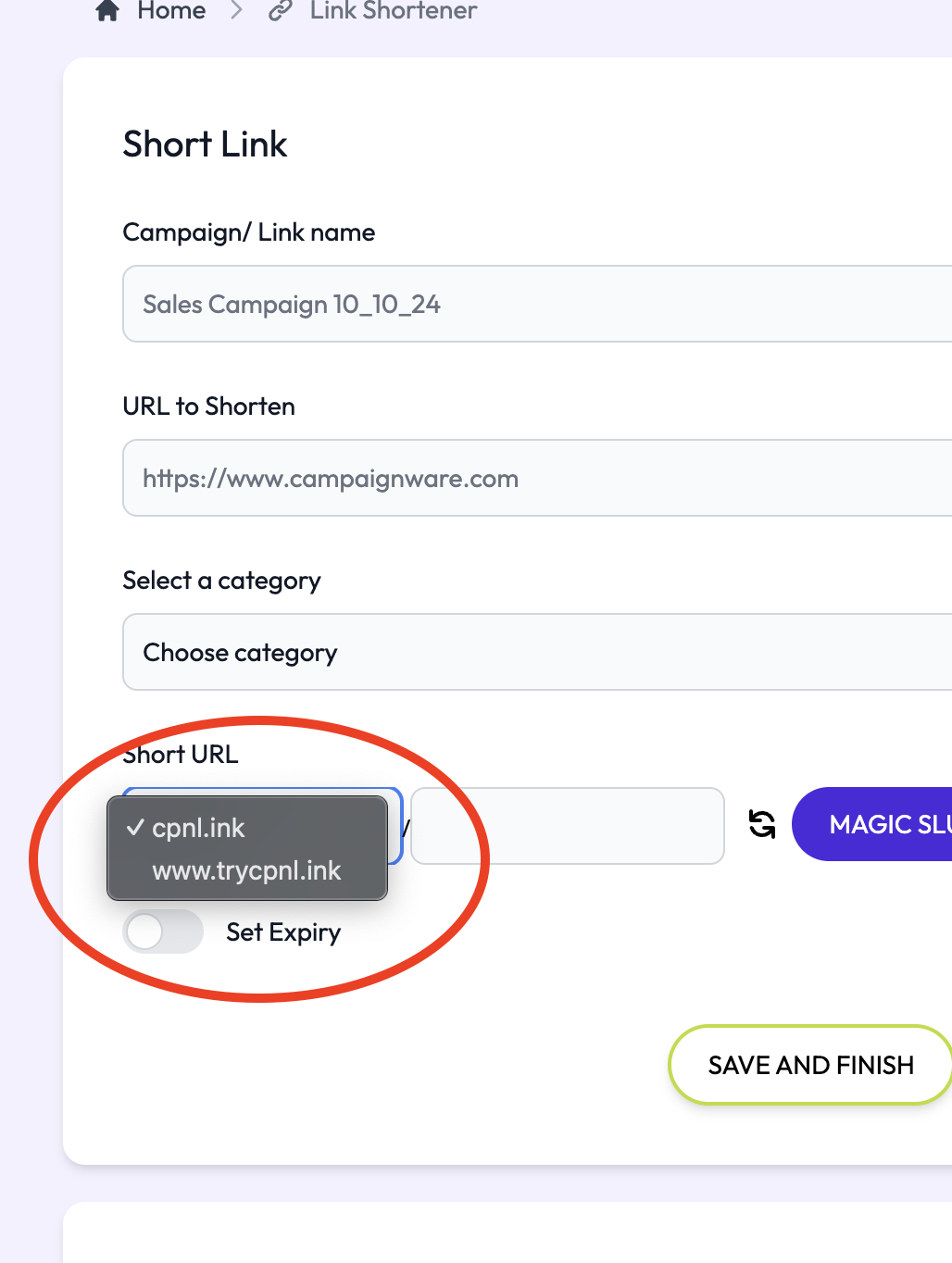
Once you've created your activation you can add a domain you've purchased to your activation, making it look more bespoke and special:
Select Domain Manager on the top right hand of your screen
Select Add New Domain

Type in your domain: Example www.trycampaignware.com
Note: To use a main domain, add "www." to the domain (eg. www.mydomain.com). For subdomains use the following structure (eg: subdomain.mydomain.com)"

To verify your domain, click Fetch DNS Details

Copy the CNAME and VALUE as provided
Paste them into your domain registrar eg. Namecheap/ GoDaddy/ Webcentral etc as a new CNAME (follow your registrars instructions here.) Below is an example using Namecheap.
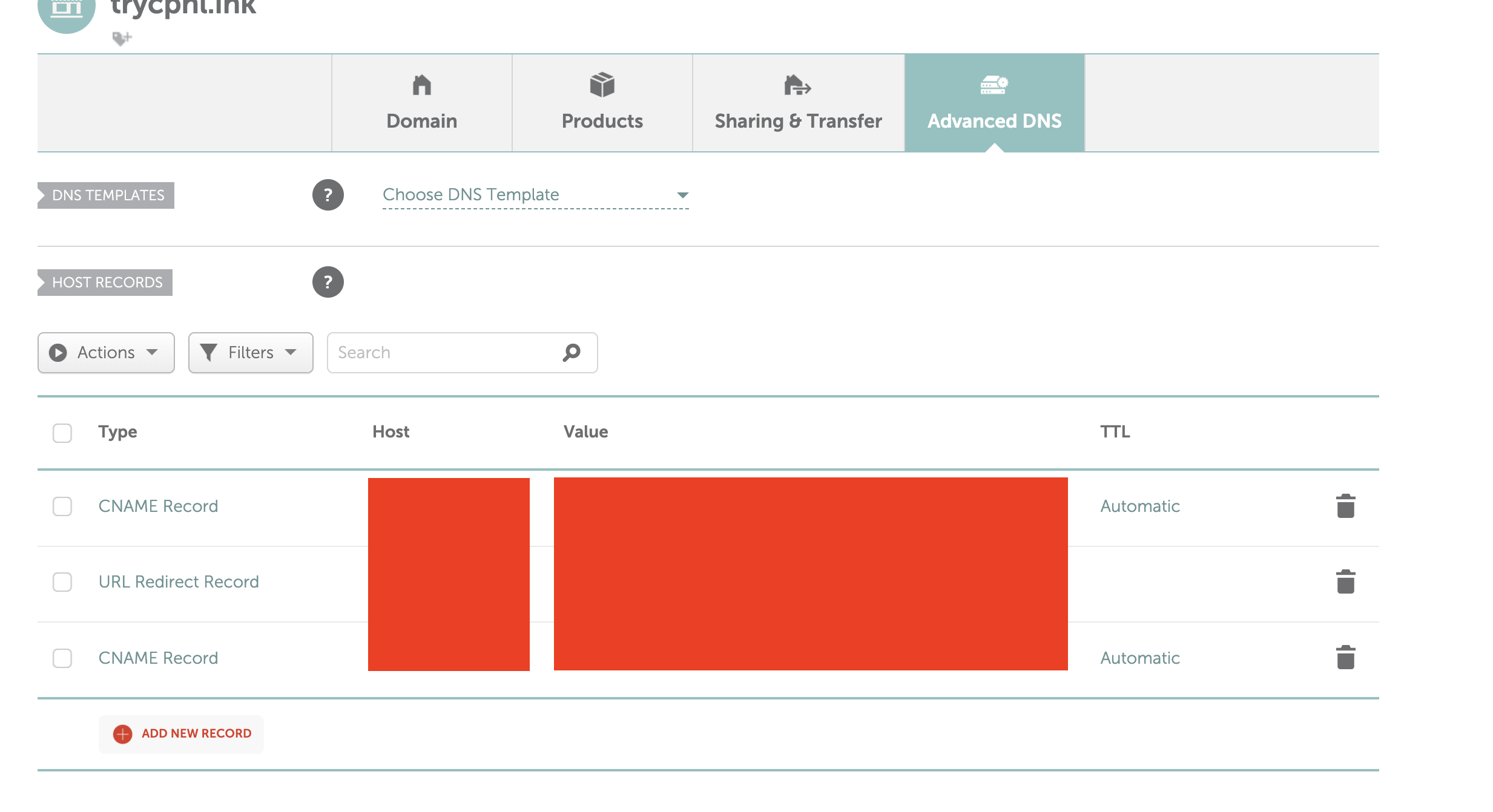
Go back to Campaign Link and select Refresh Status This may take up to 72 hours at your domain registrars end so please be patient.
Click refresh after 24 hours to see if the status has changed (though it may be quicker.)
Your URL is now partially linked, but it's not ready to use yet
1. Press Link Domain
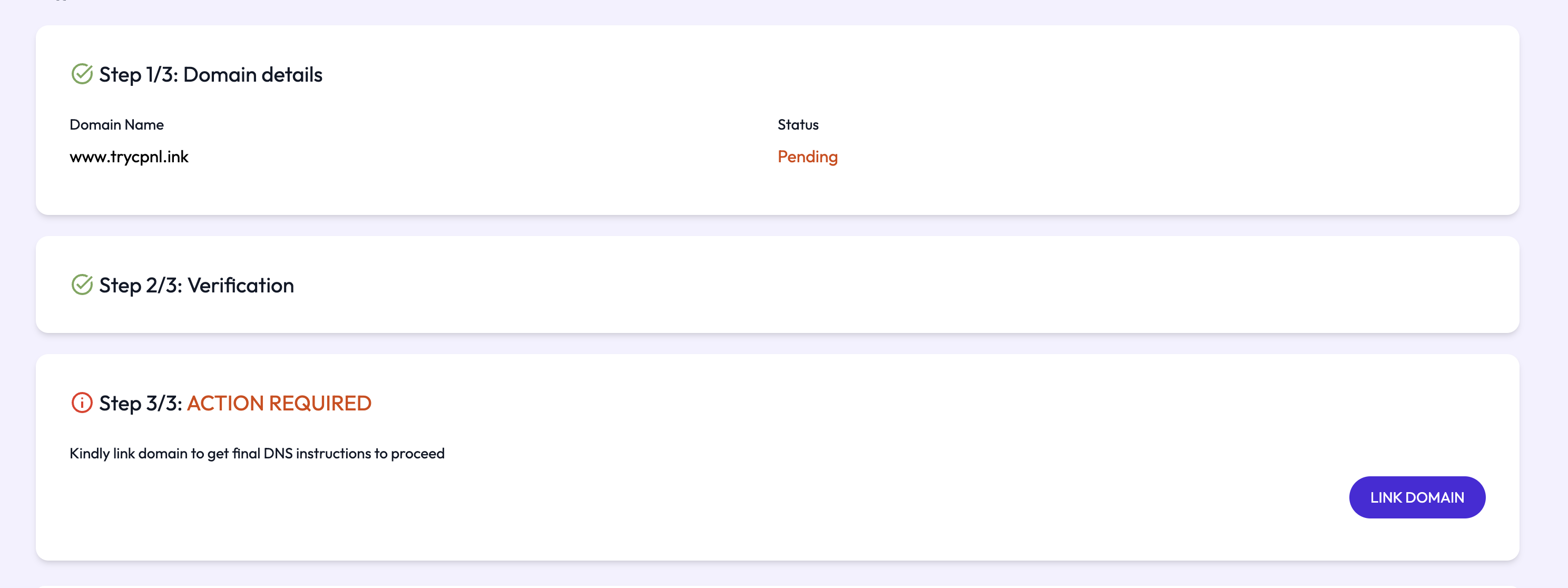
Get the final CNAME and VALUE and follow Step 2. Add this as a new CNAME record in your domain registrar.
Go back to Campaign Link and select Refresh Status This may take up to 72 hours at your domain registrars end so please be patient.
Click refresh after 24 hours to see if the status has changed (though it may be quicker.)
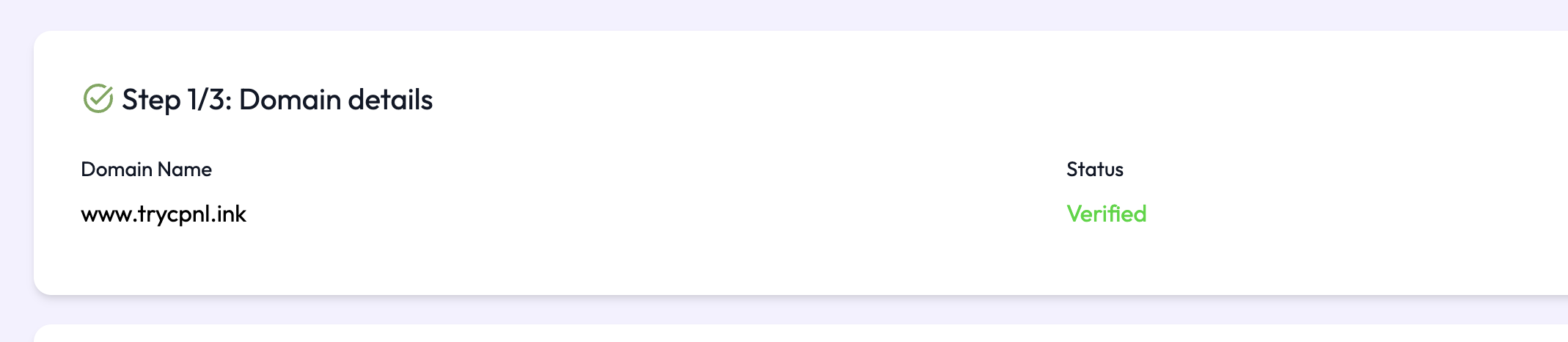
Once done your domain will show as verified
When making your Short Link, you can now choose your domain from the dropdown.