UTM codes can help you track traffic from specific sources (eg. Facebook Ads)

In the Dashboard, clicl Campaign UTM Maker under Standalone Tools
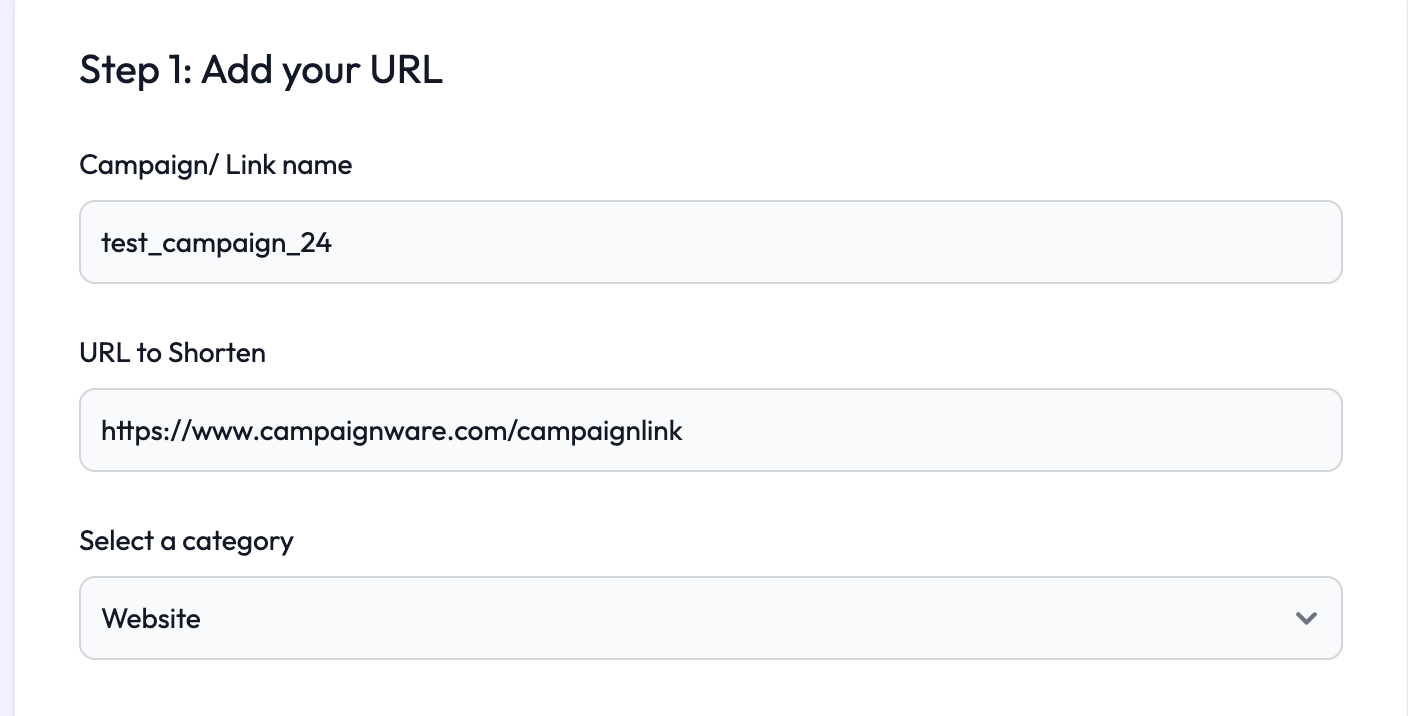
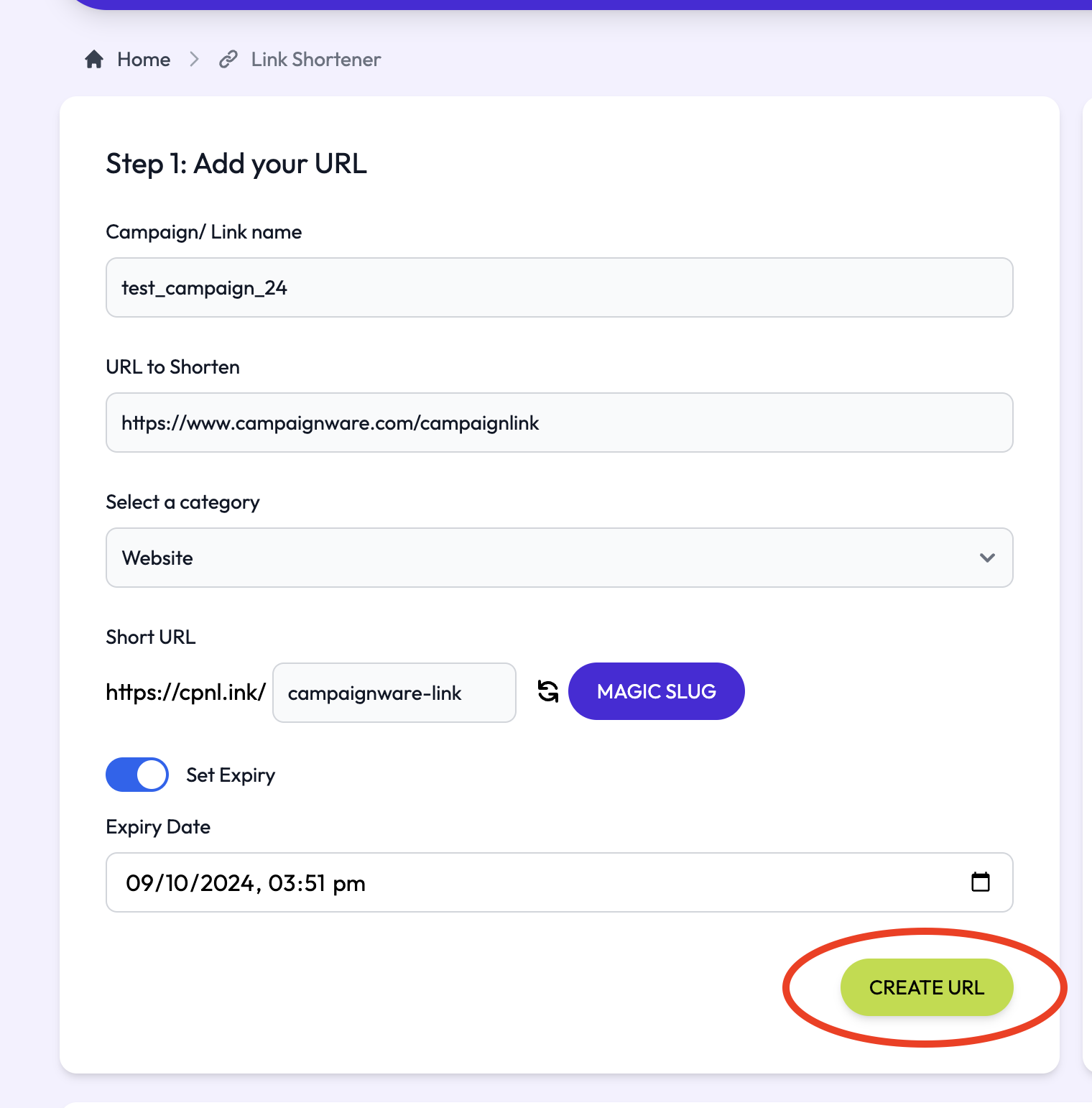
Fill out your:
Campaign name (we recommend a convention such as "campaign_ddmmyy")
Add the full URL you wish to shorten
Select the category (the type of page this is)
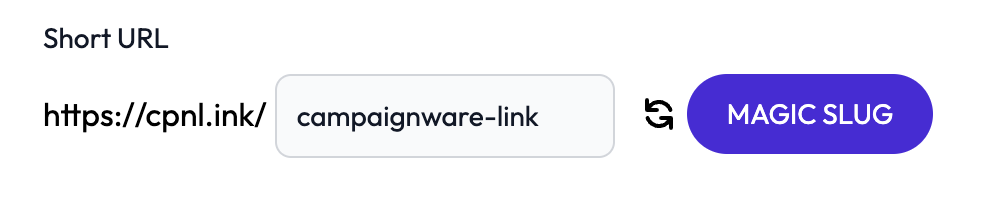
Then type in the back-half (aka. slug) of your new short URL. You can use the MAGIC SLUG feature to let our built in AI tool scan your website and suggest a name for you.
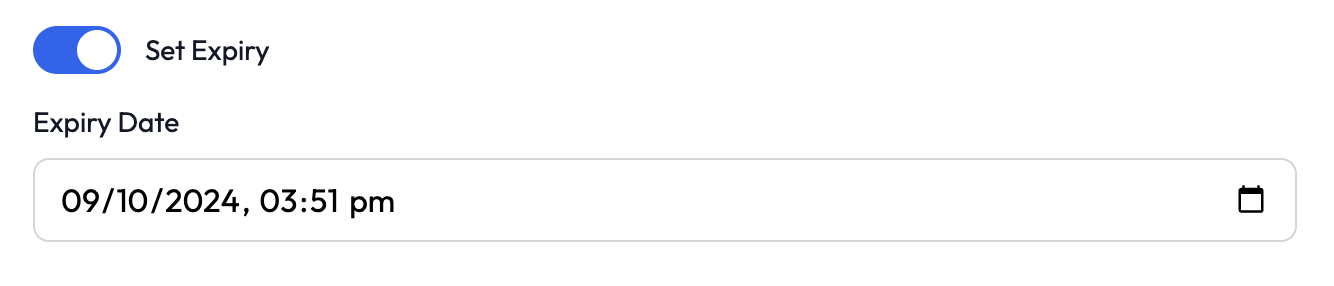
Then set your expiry date if you need the link to stop working after a certain time.
After you're done, hit the CREATE URL button
Scroll down the page to see Step 3: Add UTM Codes

We've made it as easy as possible to create UTM tags, you can either pick from our premade templates, or create your own.
Select an option from the dropdown, or pick Custom to make your own.
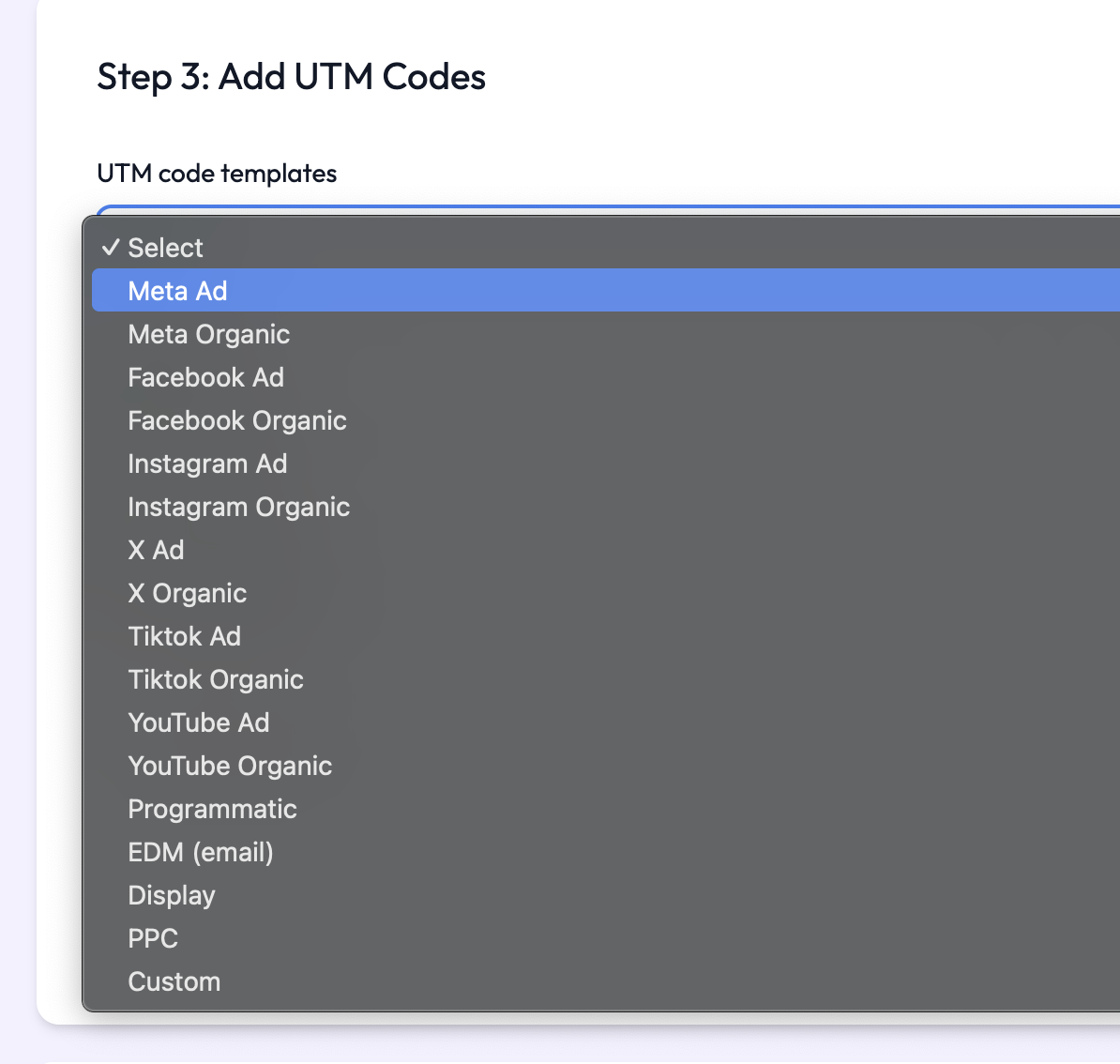
If you choose a template, our system will pre-populate certain fields for you.
If you need add more advanced fields like Terms, Content or Campaign IDs you can do so by clicking the Advanced Tools dropdown
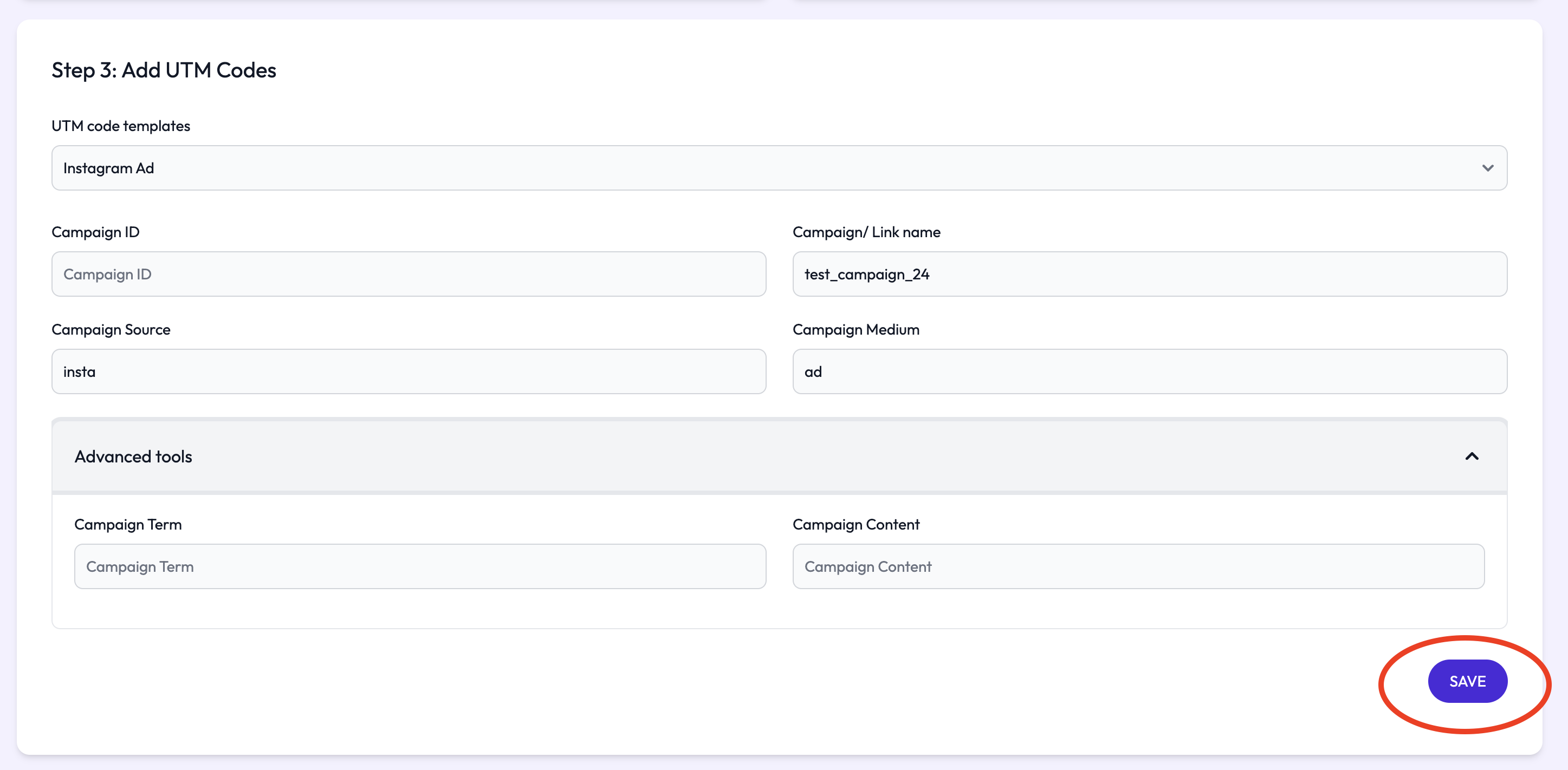
Once you're done, just press SAVE and you'll see a message that says Successfully Saved
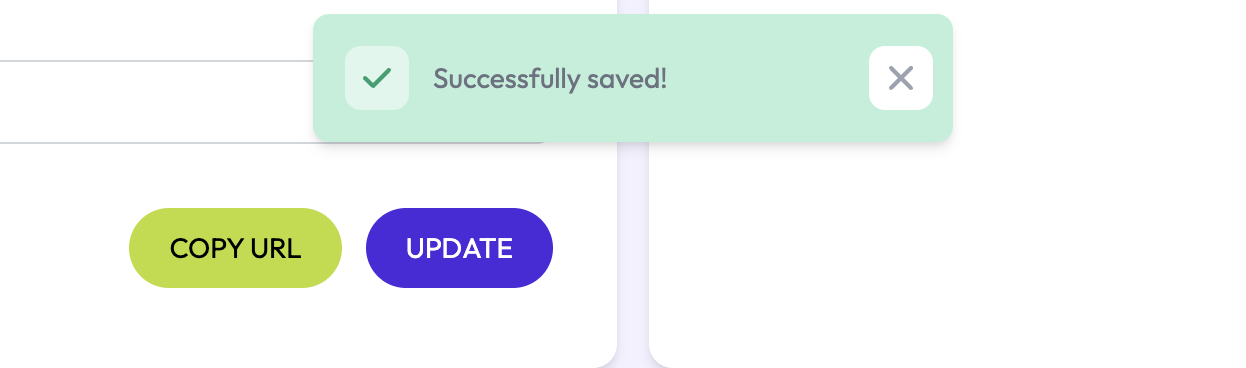
In the Dashboard, you'll see your Link, along with copy buttons for easy access to the short URL, UTM and QR code